Standing note
Screenshots show whichever model was current that day
Affects: any screenshot showing the model picker
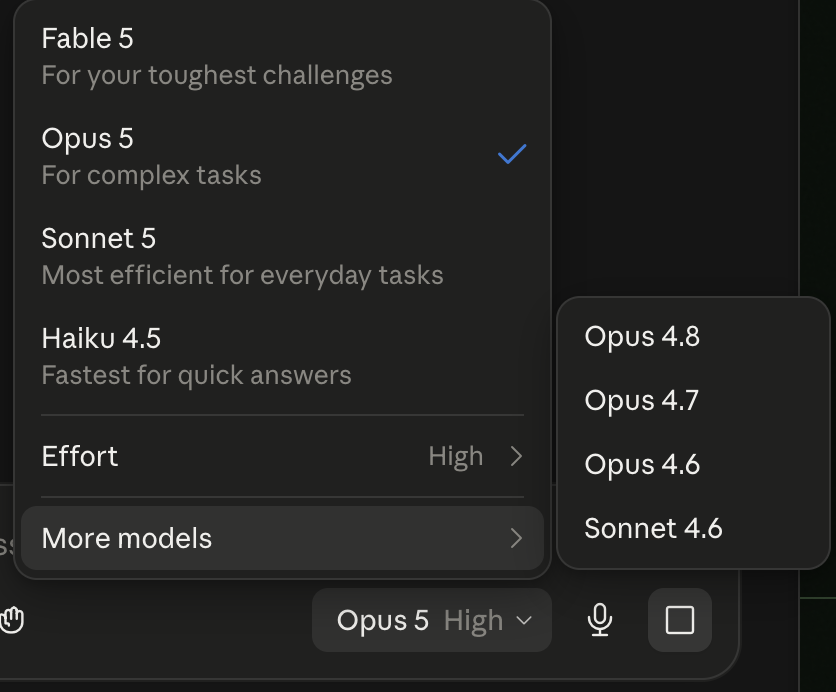
Your guides deliberately never tell you to pick a model by name, because Anthropic renames and replaces them faster than a PDF can keep up. They tell you to pick the most capable one available. A screenshot, though, has to show something, so it will show whatever was current the day it was taken.
What to do. Open the model picker and read the descriptions rather than the names. You want the one described as being for your hardest or most complex work. Use it for the Targeting Brief, the Athlete Dossier, and any pipeline audit. A lighter, faster model is fine afterwards for routine logging.